Physical Address
304 North Cardinal St.
Dorchester Center, MA 02124
Physical Address
304 North Cardinal St.
Dorchester Center, MA 02124

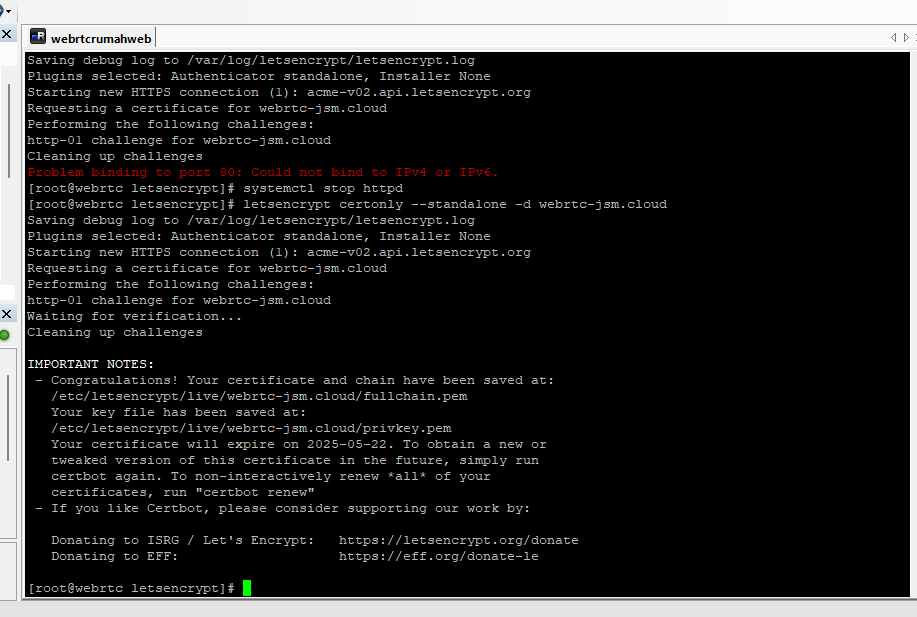
letsencrypt certonly --standalone -d misal domain.cloudProblem binding to port 80systemctl stop httpdletsencrypt certonly --standalone -d domain.cloudCongratulations! Your certificate and chain have been savedLokasi SSL:
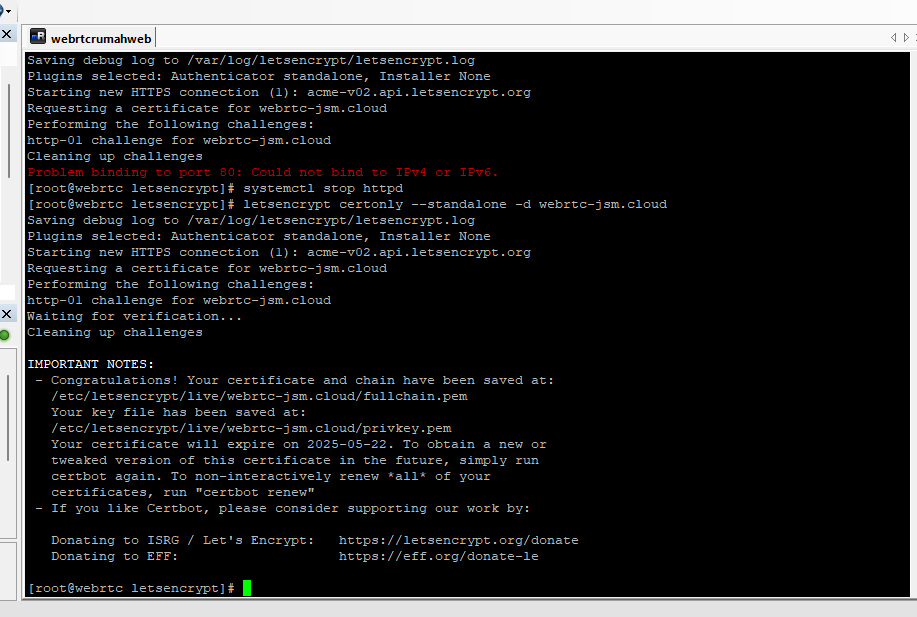
systemctl start httpdcertbot renew